What TubeBoosts does
TubeBoosts keeps thumbnail generation, testing, CTR guidance, and export checks in one creator workflow instead of scattering the work across tools.
Loading...
TubeBoosts keeps generation, testing, CTR guidance, and policy-aware export checks in one focused loop so creators can move faster without loosening review standards.
Signed-in Free Tier
Plus 10 CTR checks, 10 Auto-Fix runs, 10 Context + Title Ideas suggestions, and 10 PixelGuard checks in the same cycle.
TubeBoosts keeps thumbnail generation, testing, CTR guidance, and export checks in one creator workflow instead of scattering the work across tools.
Built for serious creators and teams that want repeatable, data-informed thumbnail decisions without drifting into gimmicks.
TubeBoosts stays creator-controlled. It does not provide bots, fake views, or artificial engagement, and the product is still improving quickly with real user feedback.
Early Access Note
Shipping with real creator feedback while the beta window is open.
Expect regular workflow refinements, clearer guardrails, and fast iteration as the product matures with real creator feedback.
Straight answers on product safety, beta status, and how TubeBoosts fits into a serious creator workflow.
TubeBoosts is a YouTube creator workspace for thumbnail analysis, planning, and execution. It combines generation, CTR guidance, and policy-aware checks in one workflow.
TubeBoosts includes policy-risk checks to help reduce avoidable mistakes. Final publishing decisions remain with the creator and final enforcement remains with YouTube.
No. TubeBoosts does not use bots, fake views, or artificial engagement. It is a creator-controlled workflow tool for better decisions and execution speed.
Yes. TubeBoosts is in paid beta with early-access pricing. Features evolve quickly, and improvements are shipped continuously with user feedback.
3 generations
Free tier every 30 days
1-2 mins
Typical generation time
Varies by channel*
Reported CTR uplift
Before download
PixelGuard step
* CTR outcomes vary by niche, audience, offer strength, and content quality. PixelGuard provides advisory risk checks, not approval guarantees.
How It Works
Import context โ Generate โ Optimize (CTR + PixelGuard) โ Download. One workflow, every time.
Drop references, describe your video, or paste a title. The AI understands your niche.
Pick a style preset and generate a thumbnail in seconds โ no design skills required.
CTR prediction scores your thumbnail. Auto-fix improves it. PixelGuard scans for policy risks.
Review warnings, proceed or revise, then export in YouTube-ready resolution.
Free tier available ยท No design skills needed
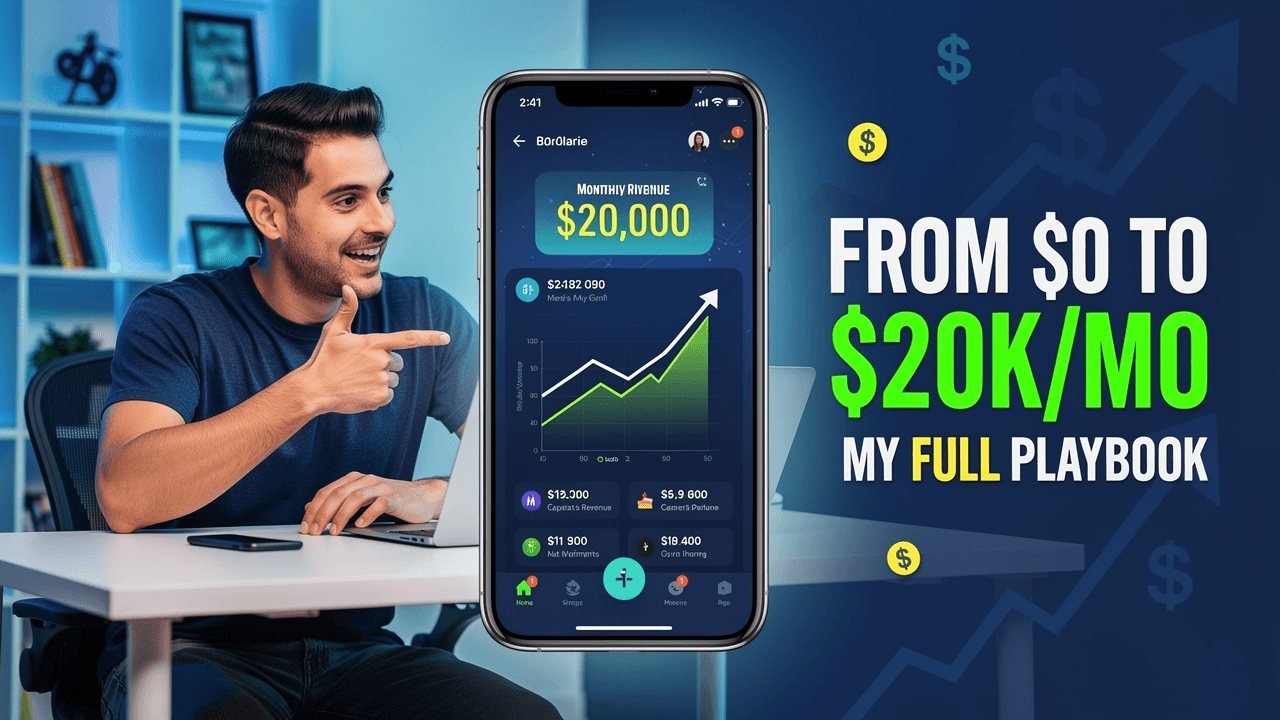
It's not the algorithm. It's not your content. It's the packaging.
Impressions
12,847
Click-through rate
2.1%
Views
269
Low click-through rate detected
Your thumbnails are under-performing compared to similar channels. Estimated ~8,400 lost views this month.
2.1%
Your avg CTR
Top creators hit 8โ12%
4+ hrs
Spent per thumbnail
Canva, Photoshop, freelancers
8,400
Views lost this month
Bad thumbnails = buried videos
TubeBoosts solves all three problems.
Predict your CTR. Fix weak thumbnails. Generate in seconds.
See what great thumbnails look like


Studio Toolkit
Style presets, CTR prediction, auto-fix, inpaint editing, and export-ready resolutions in one focused studio workflow.
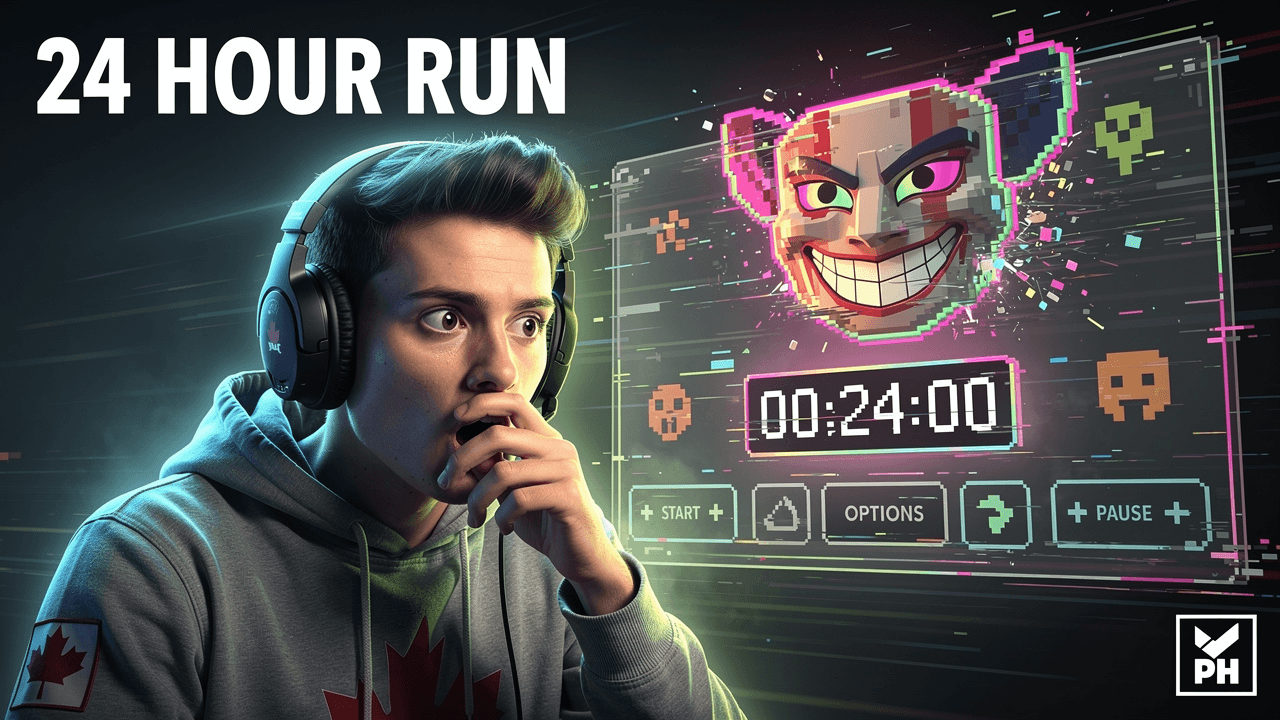
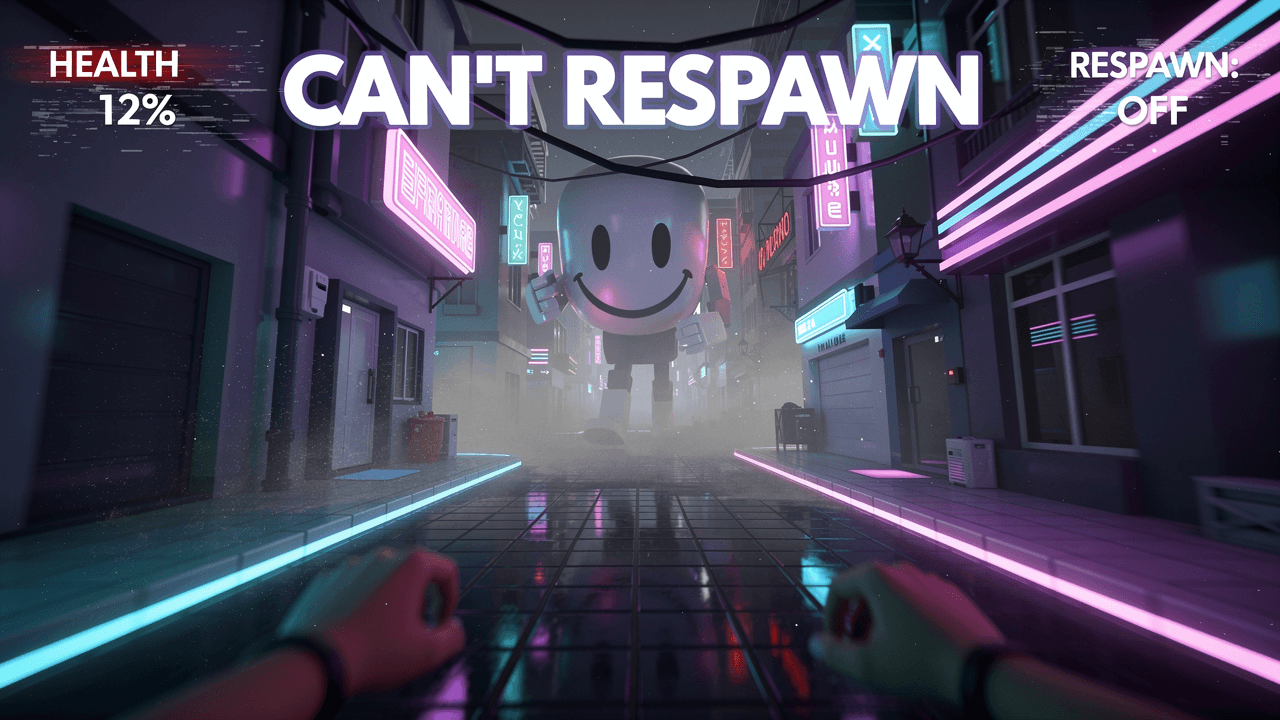
Switch between 2D, glossy 3D, metallic, cartoon, or realistic looks plus facial expressions tuned for reaction thumbnails.
Drop in up to 8 reference images so you can match colors, poses, or layouts while you build the final thumbnail.
HD (1280ร720) on all plans, 2K on Creator+, and QHD (2560ร1440) on Pro+. No watermark on any image. Multiple aspect ratios with auto-crop for YouTube uploads.
PixelGuard runs pixel-level checks before download to catch sensitive visuals, logo/IP risks, and risky on-image text. You can still ignore warnings and download when needed.
Real-time AI analysis scores your thumbnail's click-through potential. Get actionable suggestions to maximize engagement.
One-click improvements apply proven CTR-boosting techniques. Let AI handle the tweaking while you focus on creativity.
YouTube Compliance
TubeBoosts is built around YouTube-friendly specs, visual clarity, and pre-download policy risk checks. PixelGuard reviews text, image signals, and OCR before you export, helping creators catch issues early without claiming guaranteed approval.
1280ร720px minimum, 16:9 aspect ratio. Every export from TubeBoosts meets YouTube's exact requirements โ no guessing, no oversized files, no format errors.
Built-in contrast checking ensures text is readable at small sizes. Video platform AI doesn't penalize low-contrast or hard-to-read thumbnails โ our system catches it first.
Before download, TubeBoosts runs pixel-level checks for sensitive visuals, logo/IP signals, and on-image text alongside YouTube policy rules. You can still choose Ignore warnings and download anyway when needed.
YouTube compresses and re-encodes thumbnails. TubeBoosts generates with that process in mind โ colors stay vibrant, contrast stays strong after platform processing.
Other AI tools stop at generation. TubeBoosts adds a pre-download review layer so you can spot policy risks, revise if needed, or proceed intentionally with full context.
Pre-download policy risk scan โ text + image + OCR
Override control: Review warnings, then choose to proceed or revise. PixelGuard flags risk โ it does not block your creative decisions. Not a guarantee of platform approval.
Creator Economics
Compare your current thumbnail workflow costs against the best-fit TubeBoosts plan for your monthly volume.
8 thumbnails/mo
Recommended plan: Creator ($19/mo, up to 100 thumbnails)
Your current method
Your current method
Your current method
Estimates use practical blended averages: freelancer ($25 + ~1.25h/thumb), agency ($75 + ~0.75h/thumb), DIY (~2.5h/thumb). TubeBoosts pricing auto-maps to the nearest tier for your volume (Creator/Pro/Agency).
Creator Feedback
Early feedback from real beta creators building better thumbnails with AI.
TubeBoosts is in active beta. This section will display genuine creator feedback as more users complete their first workflows. We do not pad this section with synthetic testimonials.
Fast
Generate thumbnails in seconds
Pro
Professional quality designs
AI
Powered by advanced AI
Help us improve by sharing your experience
The blog is the editorial layer behind TubeBoosts. It captures creator pain in plain language, then hands readers into the exact workflow pages that help them diagnose, repair, or replace weak thumbnail decisions.

Content ID never scans your thumbnail. The real risks are manual copyright removals, trademark complaints, likeness claims, and the Thumbnails policy. Here is how to score each one before you publish.

Faceless channels do not need faces to win clicks. They need clearer proof, cleaner hierarchy, and thumbnails that feel honest at first glance.

AI thumbnails can look human, specific, and clickable when you control references, lighting, negative prompts, and final edits instead of accepting the first overpolished output.
Paid Beta Pricing
Early-access pricing for creators who want a serious workflow, not hype.
Four paid offers are available: Founder Beta Creator, Creator, Pro, and Agency. Features are actively improved with early users. Limits and plan details are always visible in your account.
Showing monthly pricing
Feature access is identical on monthly and yearly billing for the same plan tier.
Early-adopter monthly pricing with full Creator features until the first renewal after the beta window closes.
$12/month
Ends in 59 days
New signups only. Beta offer closes October 2026. Monthly beta renews at the founder rate for each billing cycle that starts before the beta window closes. On the first renewal after that date, it switches to the standard Creator monthly price.
Good for testing before you commit
What's included
Requires a paid plan
No credit card required โ start with 3 generations + 10 CTR + 10 Auto-Fix + 10 Context + Title Ideas + 10 PixelGuard checks every 30 days. Inpaint image editing is available on paid plans.
Regular creators
per month
Power users
per month
Teams and agencies
per month
Choose a dedicated feature guide below to see how generation, CTR scoring, selective editing, and policy checks work together.
Explore the primary workspace for generating custom YouTube thumbnails with AI.
Compare TubeBoosts features with generic design apps and creator tools.
View Creator, Pro, and Agency plan tiers and credit allowances.
Check official 1280ร720 specs, display rules, and technical standards.
Read the main questions about credits, CTR guidance, PixelGuard, and billing.
See how creators describe the workflow after using TubeBoosts in beta.